Familiar sensitivity
Sensitivity coefficient presets for CS2, Apex Legends, VALORANT, Overwatch 2 and Rainbow Six Siege. Choose a game, then enter your sensitivity.
BROWSER-BASED FPS AIM TRAINER
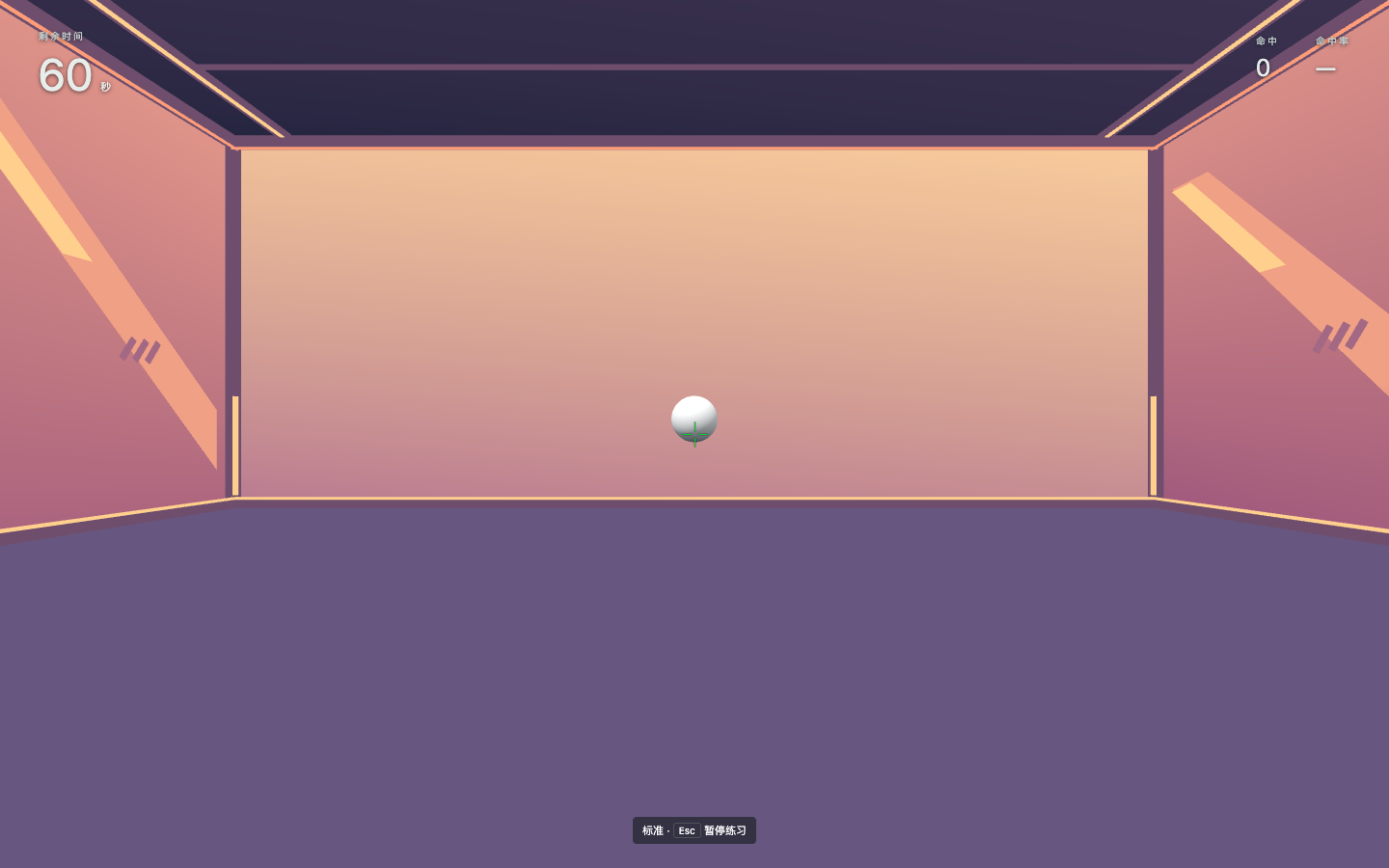
Open your browser. Focus on one target. Practice flicks, fine adjustments and accurate clicks as targets alternate between near and far.
Desktop + mouse · Recent Chrome / Edge recommended
01 / Features
Sensitivity coefficient presets for CS2, Apex Legends, VALORANT, Overwatch 2 and Rainbow Six Siege. Choose a game, then enter your sensitivity.
Four difficulty presets, 60 seconds each. Custom mode lets you set target size and a duration from 15 to 1800 seconds.
Five original 3D scenes. Customize crosshairs, shot sounds, hit sounds and visual feedback. Settings and scores stay in your browser.
02 / How to play
Choose a game scale, sensitivity and crosshair.
Click Start, move your mouse to aim, and left-click to shoot. Esc pauses.
Review hits, shots and accuracy. Compare with your best at the same difficulty.
03 / FAQ
No. Aim Practice is free to use directly in your browser.
Training is designed for a desktop mouse and requires pointer lock and WebGL 2. You can browse this site on a phone; touch and controller training are not supported.
Presets use game-specific axis coefficients, without scoped or custom multipliers. Field of view and browser input can differ, so identical overall feel is not guaranteed.
No. Data stays in this browser's site storage. Clearing site data or switching browsers or devices will not restore your previous records.
Single stationary targets for flicks and precision clicks. Each hit spawns the next target at alternating distances. Moving-target tracking and recoil drills are not included.